3D Object Image for UI Toolkit - World objects, Mini-Maps, Inventory, Portraits
✨ This asset is part of the UI Toolkit Bundle. ✨
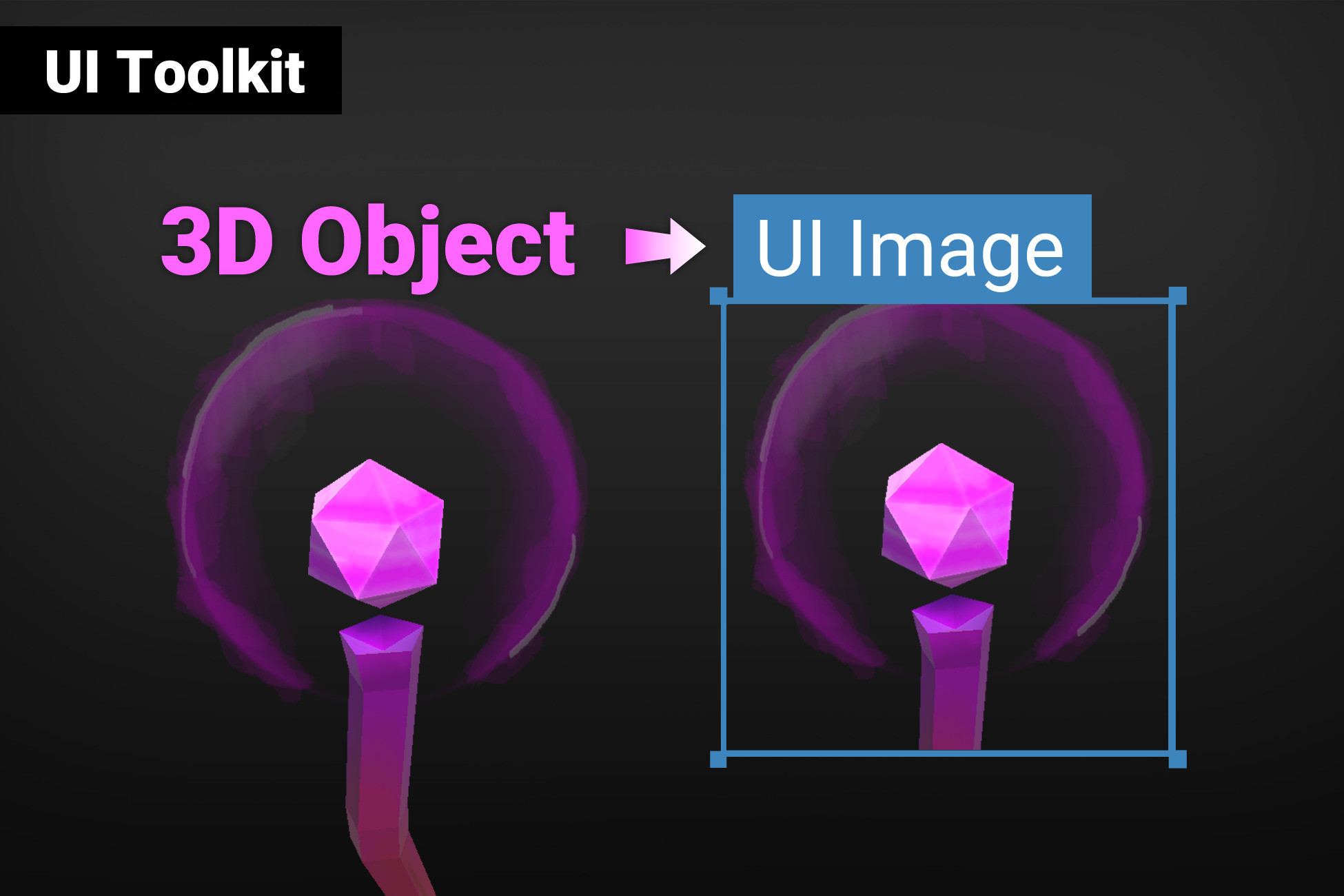
Render 3D world objects or prefabs in your UI.
⚠️ This asset is for the new UI TOOLKIT, not the default uGUI. If you want to use it in uGUI then please check out the uGUI asset instead.
🌈 Use Cases
You want to show your 3D items in an inventory UI?
Add the PrefabInstantiator to the WorldObjectRenderer and you are done.
Want to have a 3D portrait of an NPC?
Simply drag in the transform of the NPC into the list of world objects.
You need a top-down mini-map of the level?
Empty the list of world objects and then use "Camera Look At" and "Camera position" to have the camera high up in the sky looking down.
🎯 Compatible with Built-In, URP and HDRP
Works the almost* the same in all render pipelines.
📚 Lots of examples & documentation
Check out Kamgam/UIToolkitWorldImage/Examples.
✔️ Full Source Code
I publish this asset with full source code because as a developer I know how annoying it is to not have source code access. If you like it then please remind others to purchase the plugin. Don't just copy and paste it everywhere. Thank you ❤️
✔️ Supports Unity 2021.3+, 2022, 2023, Unity 6, ... LTS
It may work with earlier versions too but those are not tested anymore.
👇 Things you should know 👇 (Read this before you buy):
There is an intro section in the manual. Please read it first.
⚠️ This asset is for the new UI TOOLKIT, not the default uGUI. If you want to use it in uGUI then please check out the uGUI asset instead.
⚠️ Transparent objects work right out of the box but there are some caveats. Please check the "Transparency" section in the manual for more details.
✍️ Usage
1) Create a WorldObjectRenderer in the scene and give it an ID.
2) Drag in the WorldImage element from the UI Builder Library
3) Enter the renderer ID
4) Done
😎 HINT 1:
Disable "Use Render Textures" to use camera stacking instead of render textures.
🧐 HINT 2:
Use the PrefabInstantiator to instantiate and destroy prefabs on demand.
🤠 HINT 3:
Multipe image can display the same renderer (simpy set them all to the same Renderer ID).
☎️ Support
If you have any questions please write to office[at]kamgam.com. Please be patient, replies may take a few days. Please include your Asset Store Order Nr and the exact Unity version in your request. Please also try upgrading to the most recent LTS version before asking. Thank you.
❤️ If you like this asset then maybe you'll like these too:
😲 UI Toolkit Blurred Background
Blurred backgrounds for UI Toolkit.
Particle Image for your UI.
Infinite scrolling, animations, controller support, ..
🖌 UI Toolkit Shadows, Outlines & Glow
Make your selection highlights shine.
You're not a coder? No problem!
Release Notes
v1.1.2
* Fixed asset root folder dection causing errors during build, my apologies.
v1.1.1
* Fixed an error if the user moved the asset root after installation.
v1.1.0
* WorldObjectRenderer is now always editable during edit mode.
* Unity 6 compatibility update.
v1.0.1
* Various Quality of Life improvements
* Prefab Instantiator improvements (check out the inventory demo)
* Inventory Demo updated to use the improved Prefab Instantiator
v1.0.0
* First release: As always please let me know if you find any errors. Thank you.


Basic Information
- Latest Version
- 1.1.2 (27 Nov 2024)
- Publisher
- KAMGAM
- Category
- 2D/GUI
- Size
- 4.6 MB
- Price
- €27.59
Extended Information
- Unity Versions
- 2021.3.5
- Render Pipelines
- ✔ BIRP ✔ URP ✔ HDRP
- State
- published