Lattice Modifier for Unity
💢 New Features in 1.3 💢
Masking
Use material, vertex color/uv, or a texture to fine tune how Lattices are applied across your mesh.
Selection Falloff
Move, rotate, or scale nearby handles. Similar to 'Proportional Editing' in Blender or 'Soft Selection' in Maya.
Transform Lattice Modifier
Apply deformations to non-mesh objects, such as lights, particles emitters or any other transforms.
Improved Performance
Refactored compute shader with significant performance improvement, especially on lower-end targets such as phones.
And more!
Fit to renderer, interpolation types, and save mesh. Check the changelog to see the full feature list in 1.3!
⭐ Key Features
Easy to Use
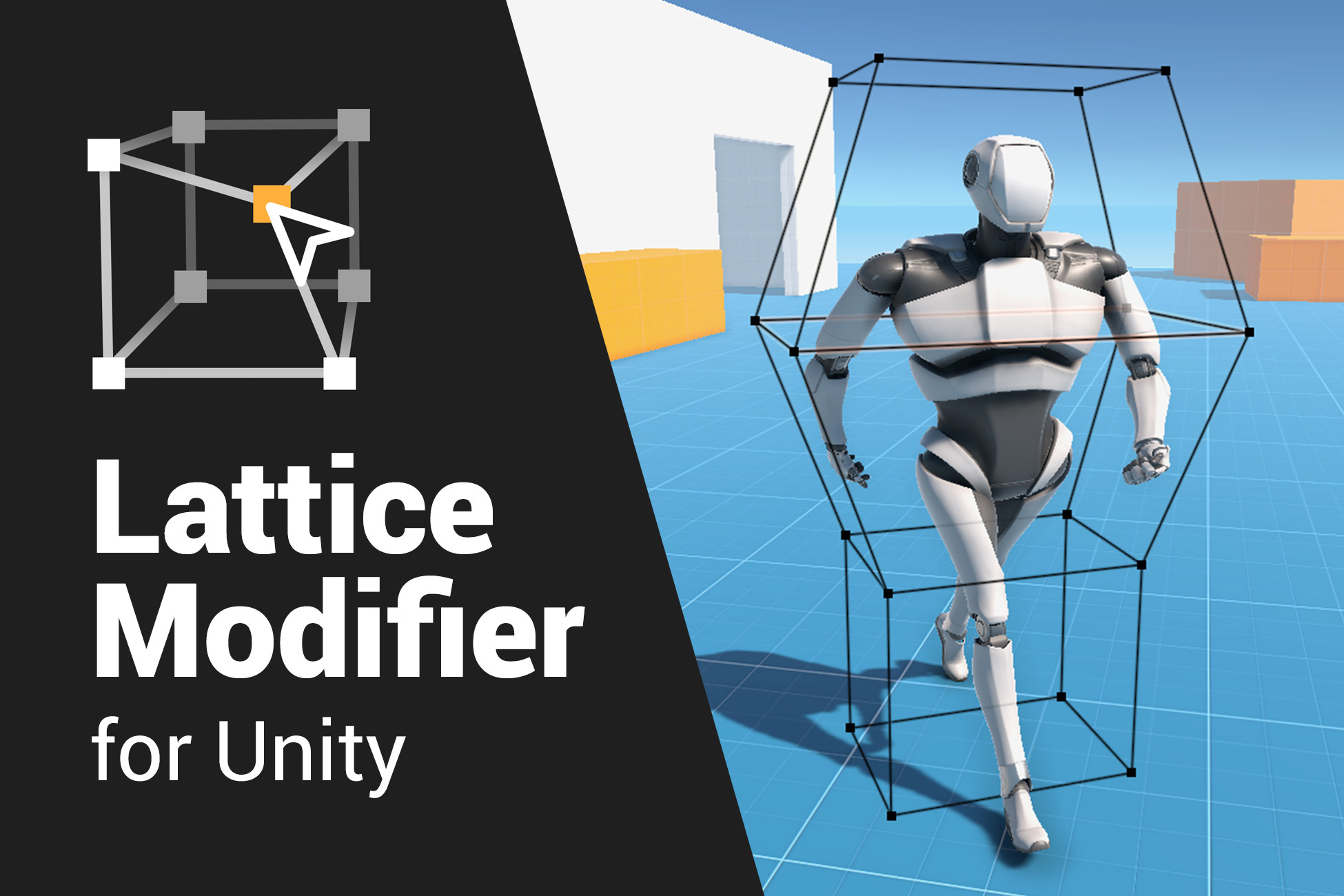
Create a Lattice and add a modifier to your model. Move the points of the Lattice around to deform your mesh.
Animatable
Lattices can be keyframed and controlled with the animation timeline.
Scriptable
Lattices can be controlled with scripts for more advanced effects and interactivity.
Static and Skinned
Supports deforming both static and skinned meshes. Lattices can be applied before or after skinning.
Performant
Uses compute shaders for super-fast performance on par with GPU skinning and vertex shaders; far faster than editing the meshes in C#.
Samples Provided
Includes demo animations, shaders and scripts.
👾 Additional Features
Custom Editor
For intuitive editing of lattices, it supports a wide number of features, including move, scale, rotate, multiselect, selection falloff, fit to renderer, and undo & redo.
Works with Existing Materials
Use any existing materials, no custom shaders needed.
Squish and Stretch
Can access the amount of squish and stretch in your own shaders allowing you to create even more advanced effects!
Per Lattice Settings
Can toggle between high quality and fast sampling methods to improve performance if needed, and between global and local/restrained deformation.
Transform Modifier
Apply deformation to Transform components, to allow deformation of non-mesh objects such as lights, particle emitters or other GameObjects.
Save Deformed Meshes
Save deformed meshes as assets in the editor or get a copy of the mesh via scripts.
Source Code
Source code is included.
Release Notes
1.3.0
- Improved compute shader performance
- Added `Masking` options to Lattices
- Added `Selection Falloff`
- Added `Fit to Renderer`
- Added `Save Deformed Mesh...`
- Added `Interpolation` option for Lattices
- Renamed `High Quality` to interpolation type `Cubic`
- Renamed `Low Quality` to interpolation type `Linear Smooth`
- Added interpolation type `Linear Sharp`
- Updated `Quality` sample with new interpolation types
- Added `TransformLatticeModifier` component
- Added a C# lattice solver API LatticeSolver
- Added new samples:
- Global
- Masking
- Transform
- Wiggle
1.2.0
- Added `Apply Method` option to modifiers
- Added support for `Skinned Motion Vectors`
- Added `Grab` demo
- Fixed skinned mesh scaling issues with odd transforms
1.1.0
- Fixed blend shapes flickering while animating
- Fixed blend shapes without bone weights not deforming
- Added utility component `RebindOnStart`
- Improved normal and tangent calculation
- Miscellaneous minor bugfixes
1.0.0
- Initial release


Basic Information
- Latest Version
- 1.3.0 (18 Mar 2025)
- Publisher
- Harry Heath
- Category
- Tools/Animation
- Size
- 107.8 MB
- Price
- €23
- Asset Rating
- ★ ★ ★ ★ ★ (14)
Extended Information
- Unity Versions
- 2021.3.5
- Render Pipelines
- ✔ BIRP ✔ URP ✔ HDRP
- State
- published